Splitting a License
Context
If you have purchased only one license file in the license order and want to split the license into multiple ones, you can split the license entitlement on the ESDP system.
Procedure
- Check whether the license is in Ready state.
Log in to the ESDP system at http://app.huawei.com/isdp.
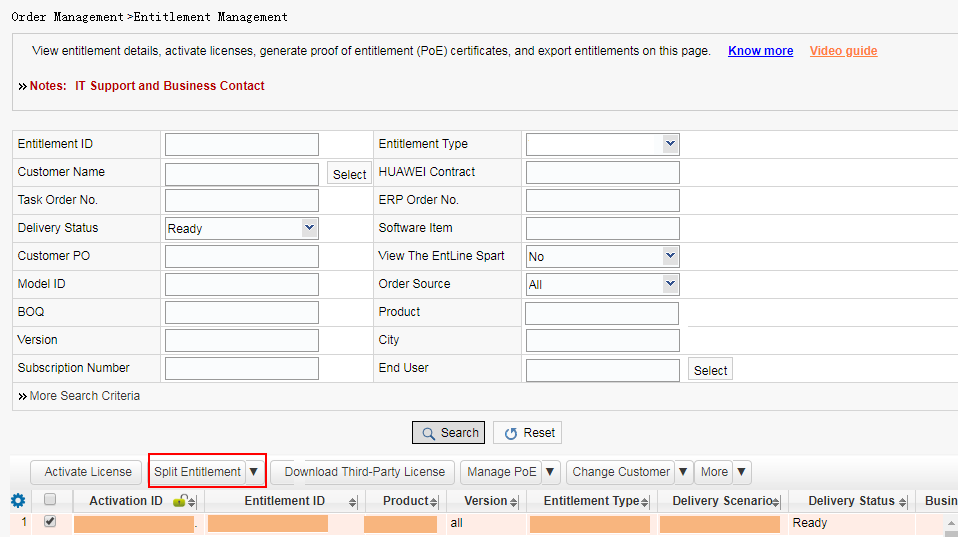
Choose to open the Entitlement Management page. Select the license and click Split Entitlement.
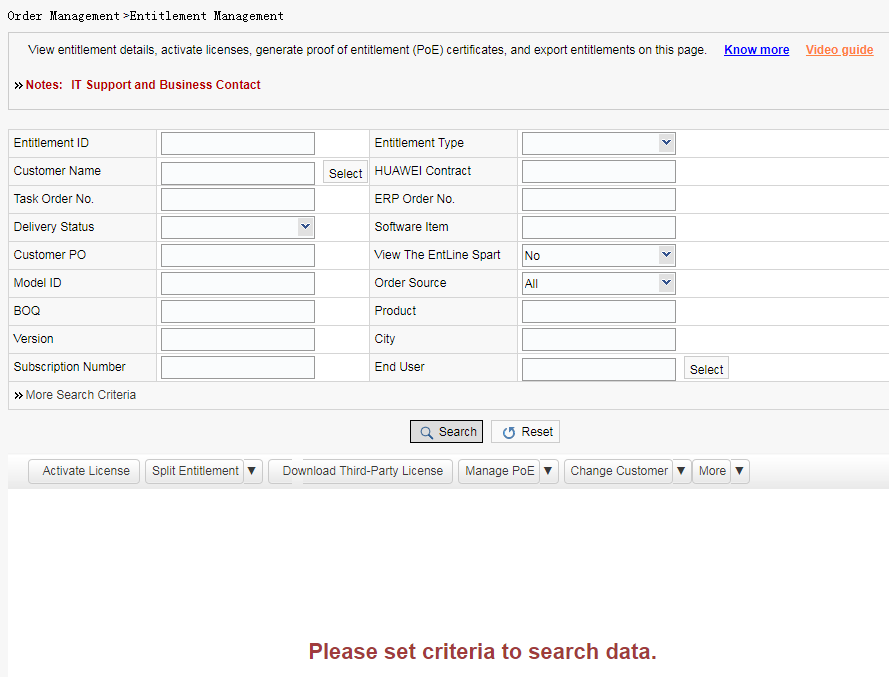
Enter the entitlement ID of the license file to be split, Huawei contract number, and other necessary information, and click Search.
In the license list, check the delivery status of the license to be split.
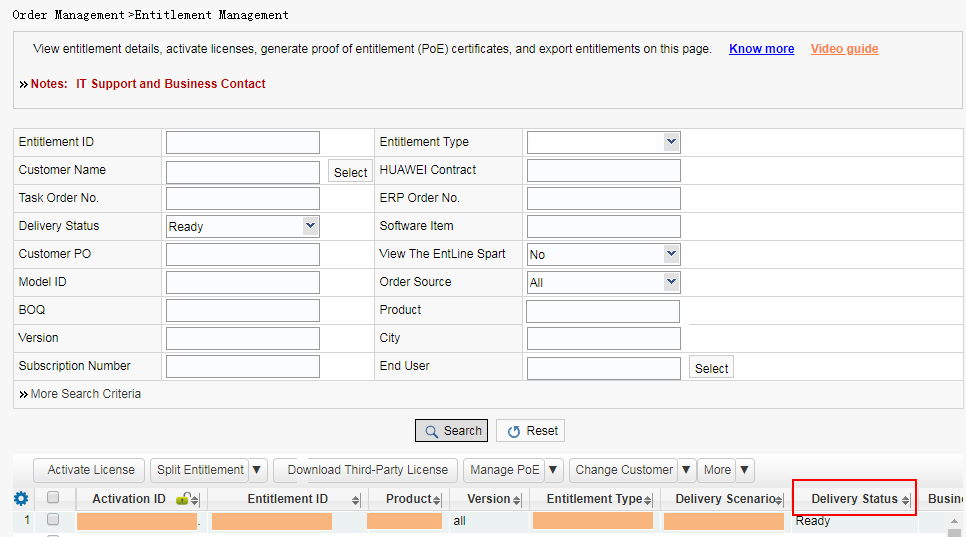
- If the license is in Activated state, roll back the license to the Ready state by referring to Rolling Back a License. Then, go to Step 2.
- If the license is in Ready state, go to Step 2.
- If the license is in another state, contact Huawei technical support.
- Select the license and click Split
Entitlement in the Entitlement Management page.
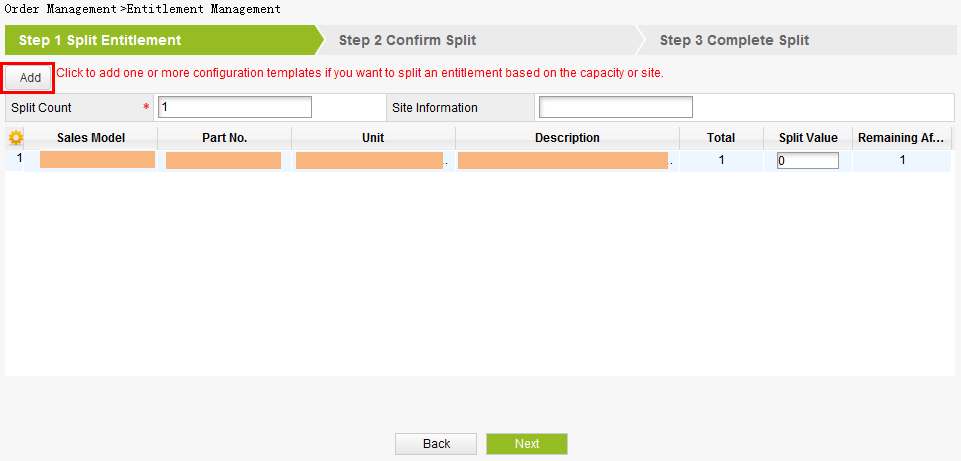
- Click Add to split the license and
click Next. The Confirm Split window is displayed.
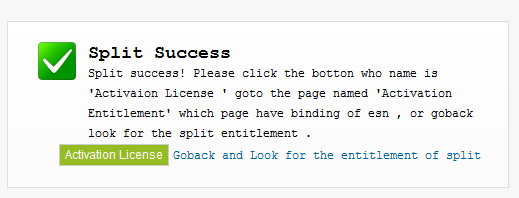
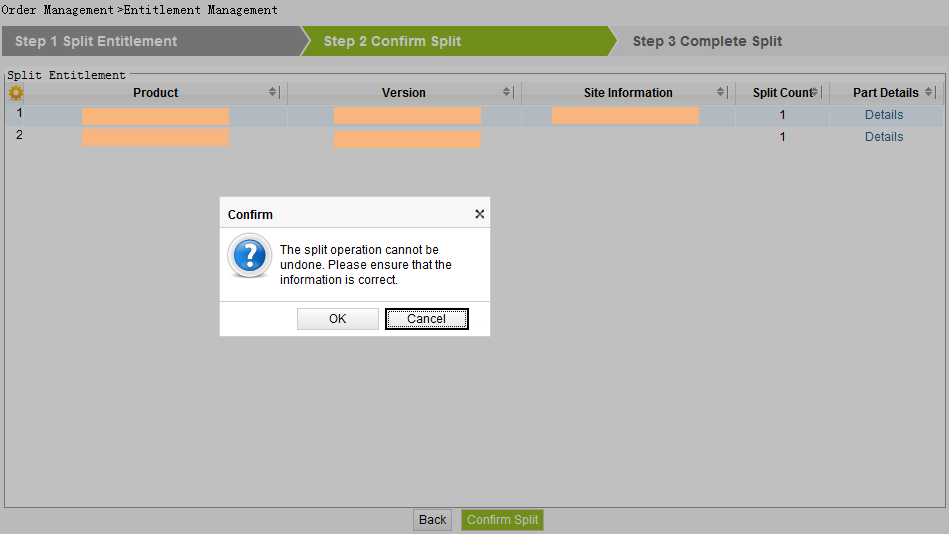
- Click Confirm Split, and click OK on the Confirm window.
- After the preceding operations are complete, activate the
licenses.