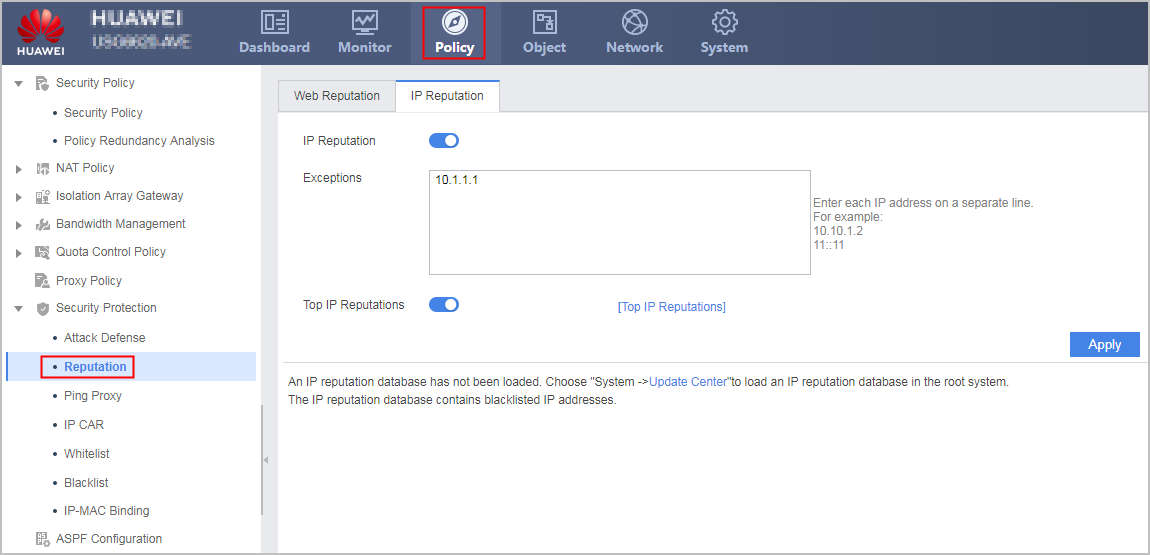
Configuring IP Reputation
This section describes how to configure IP reputation using the web UI.
Context
Alarms are generated for network traffic based on the IP address information recorded in the IP reputation database. The current IP reputation database is a set of zombie hosts' IP addresses, and the FW generates alarms for packets sent by these zombie hosts. The IP reputation database supports automatic update.
After the IP reputation function is enabled, the FW matches the source IP address of a packet against the IP reputation database. If a match is found, the FW generates alarms. In addition, exception IP addresses can be configured on the FW. If an exception IP address is configured on the FW, the FW does not generate alarms for the packets sent from the exception IP address.