Checking Host Files
Procedure
- Choose .
- Click
 for an SSL VPN gateway.
 - Choose .
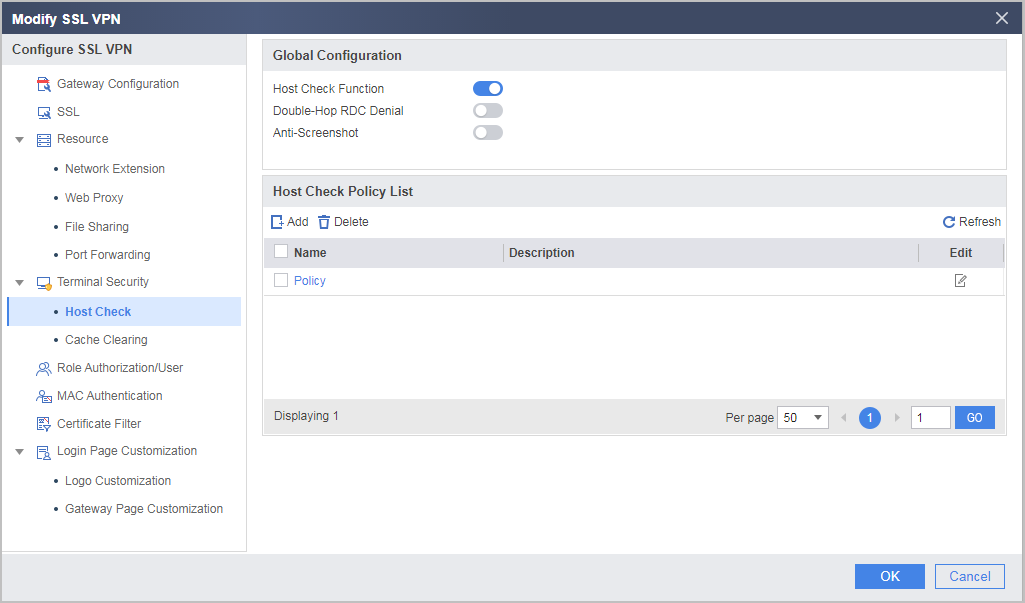
- Select Host Check Function under Global Configuration, click Add under Host Check Policy List, and create a host check policy.
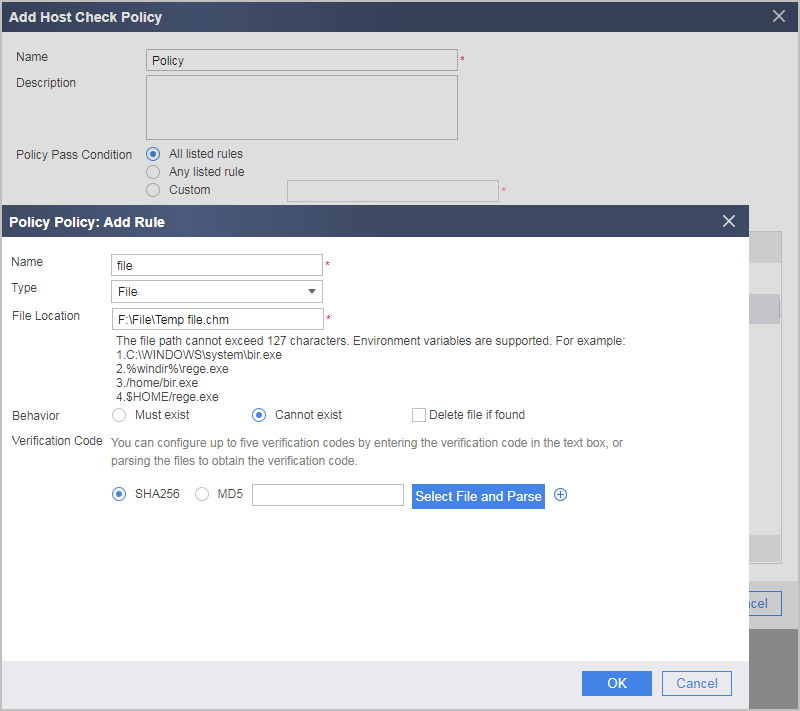
- File Location:
The file location must be the same as the file path on the user's host. Otherwise, the rule is ineffective. File Location supports directory macro. The detailed file path corresponding to each directory macro is listed in the following table. For example, to check the 1.txt file in C drive, enter C:\1.txt. Alternatively, you can use a directory macro and enter %HOMEDRIVE%\1.txt. To check all files in .tmp format in the Temp folder, enter C:\Documents and Settings\Administrator\Local Settings\Temp\*.tmp. Alternatively, you can use a directory macro and enter %TEMP%\*.tmp.
Table 1 Directory marco introduction Directory Marco
Path
%APPDATA%
C:\Documents and Settings\<user name>\Application Data
%windir%
C:\WINDOWS
%ProgramFiles%
C:\Program Files
%CommonProgramFiles%
C:\Program Files\Common Files
%USERPROFILE%
C:\Documents and Settings\<user name>
%HOMEDRIVE%
C:
%Temp%
C:\Documents and Settings\<user name>\Local Settings\Temp
%ProgramW6432% (supported only by 64-bit operating systems)
C:\Program Files
%CommonProgramW6432% (supported only by 64-bit operating systems)
C:\Program Files\Common Files
NOTE:Assume that the operating system is installed in C drive.
<user name> is the name of the current operating system user.
- Must exist: Indicates that the user host can pass the rule check only when the files exist on the user host.
- Cannot exist: Indicates that the user host can pass the rule check only when the files do not exist on the user host.

If Delete file if found is selected, potential risks exist for users. If a file on a user host matches the configuration, the system automatically deletes the file from the user host without any knowledge of the user during login. Therefore, exercise caution when using this function.
- Verification Code: a strict check mechanism provided to prevent files on a user host from being modified. To protect integrity, SHA256 or MD5 values can be used to uniquely identify a process. The device uses the hash values to verify the integrity of processes.
- File Location:
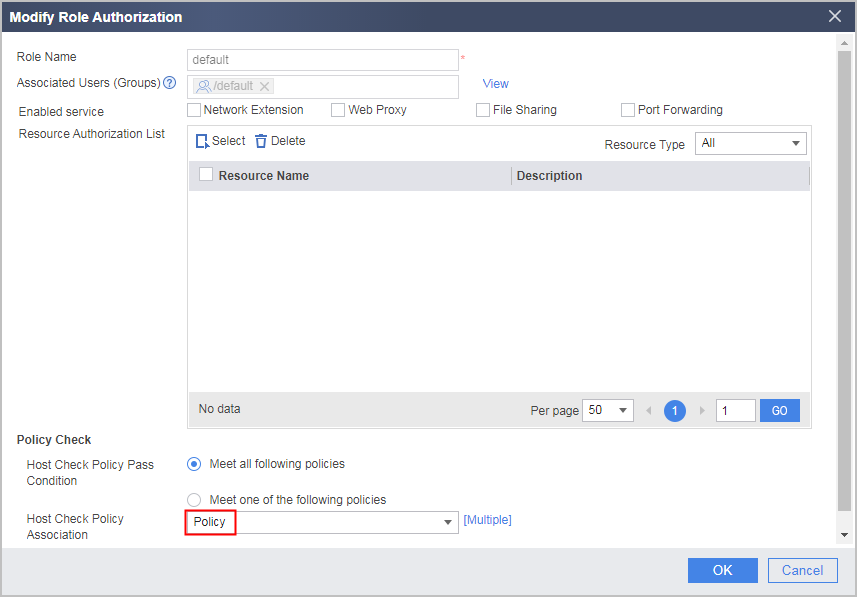
- Select Role Authorization/User, reference a created host check policy in the corresponding role, and click OK.
Verifying the Configuration
- Enter https://1.1.1.1:443 in the address bar of Internet Explorer to access the SSL VPN login page.
- In the login window, enter the user name and password, and then click Login.
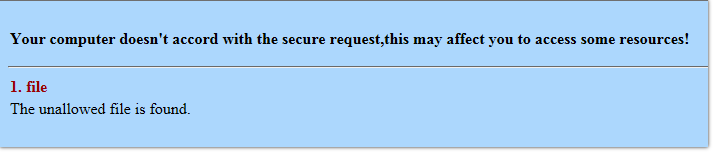
If the specified files do not exist on the host, the host passes the check, and the user can log in to the virtual gateway successfully. If the specified files exist on the host, a message indicating that the terminal security check fails is displayed in the browser.