Configuring the Log Operation Permissions of the Administrator
This section describes how to configure the permissions to view and export logs for administrators.
Procedure
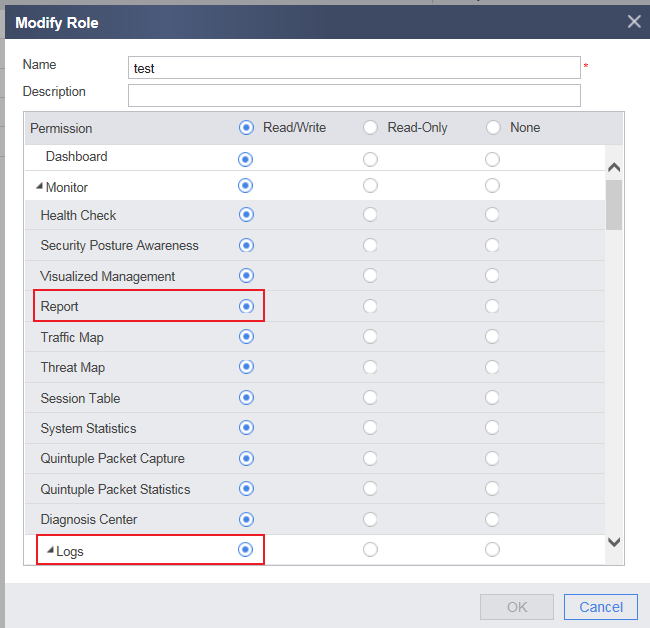
The FW controls administrator permissions based on administrator roles, including the configurable menus on the web UI for web administrators and the executable commands on the CLI for CLI administrators. By default, the FW provides the device monitoring permission. Only the system administrator has the Read/Write permission on logs. Other administrators have only the Read permission. The Read or Read/Write permission is required for viewing logs. The Read/Write permission is required for exporting logs. You can perform the following operations to modify the permissions. After the modification, you can view and export logs on the web UI.
- Choose .
- Select an administrator name and set the log permission.
To create an administrator, click Add. In Monitor of Permission, select the Read/Write permission for the log. If the administrator has been created, click Edit to modify the permission. The following takes modifying the permission as an example.