Viewing Threat Reports by Security Policy
This section describes how to view threat reports by security policy.
To understand the threat status or threat trend of a security policy, you can view threat reports by security policy.
Viewing Reports
Click the Security Policy tab and view threat reports by security policy.
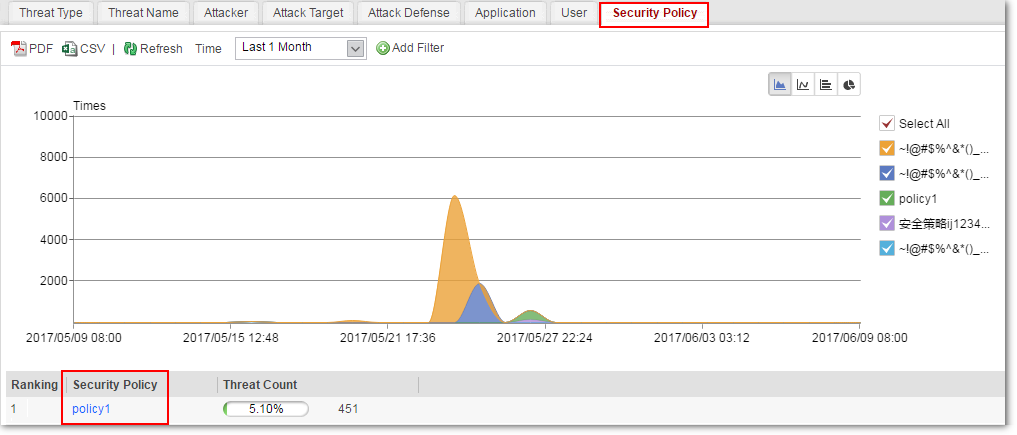
To modify a security policy, click the name of the security policy and select Modify Security Policy.
Customized Reports
To narrow down the search
scope and view top N number of threats by a specific search condition,
use the advanced search function of threat reports. You only need
to specify one or more search conditions in Add Filter to generate a customized report. The search conditions for advanced
search include:
- Attacker: After you set the search condition to attacker, the top N number of threats of the security policy is displayed by the attacker.
- Attack target: After you set the search condition to attack target, the top N number of threats of the security policy is displayed by the attack target.
- Threat type: After you set the search condition to threat type, the top N number of threats of the security policy is displayed by the threat type.
- Application: After you set the search condition to application, the top N number of threats of the security policy is displayed by the application.
- Security policy: After you set the search condition to security policy, the top N number of threats of the security policy is displayed.