Monitoring DHCP
By querying address lease information on a DHCP server, you can view the IP address assigned by the DHCP server, user MAC addresses, and IP address binding type. You can also determine whether the lease has expired.
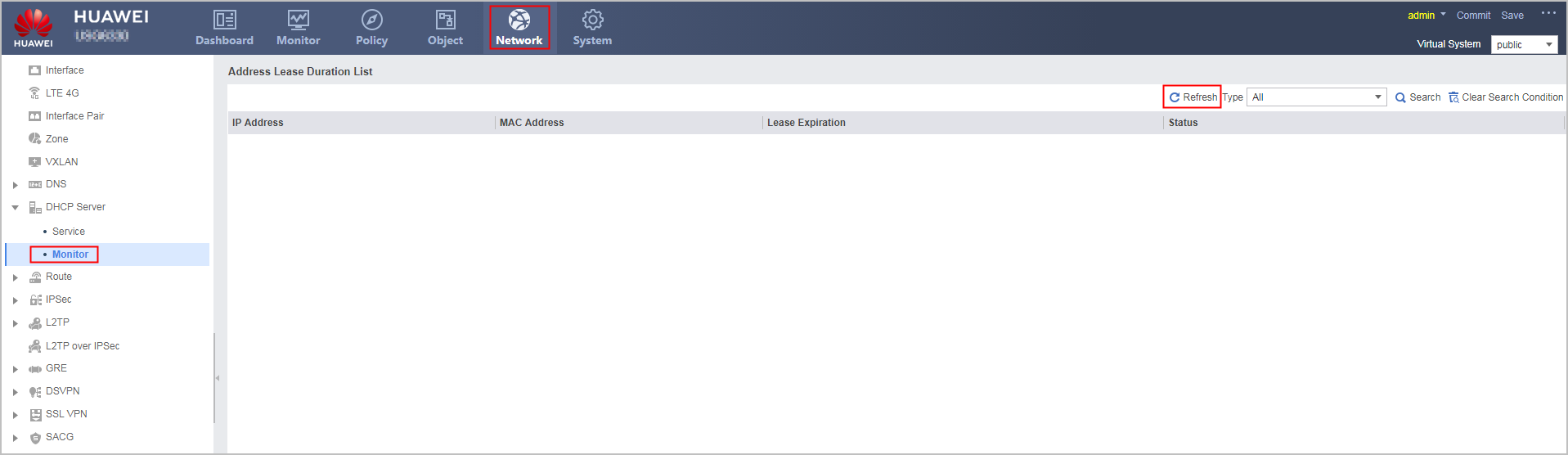
Refreshing the Address Lease
- Choose .
- Click Refresh to refresh the latest information about address lease duration.
Querying Address Leases
You can query only the IP addresses that are assigned by a DHCP server and do not expire, as well as the static IP addresses that are not assigned to clients yet.
- Choose .
- Perform either of the following operations to query address leases:
- Select All from the search box.
- Select Interface Name from the search box and select interface names.
- Select IP Address from the search box and enter IP addresses.
- Click Query.
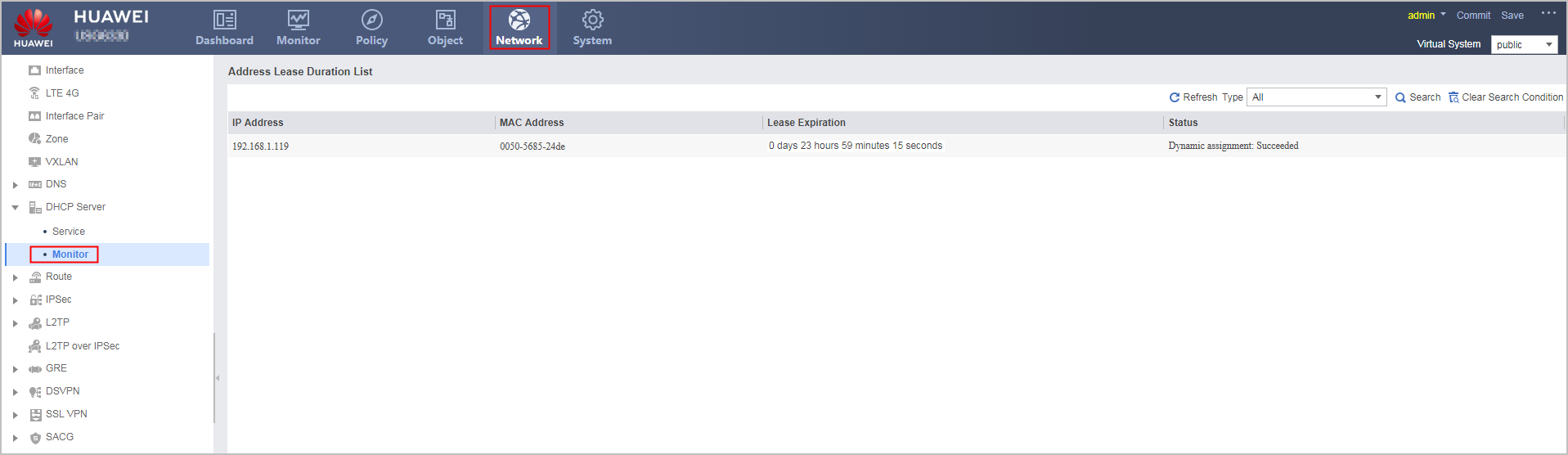
Parameter
Description
IP Address
IP address that a DHCP server assigns to a client.
MAC Address
MAC address of a client.
Lease Expiration
Expiration date and time of the lease for an IP address assigned by a DHCP server. Values and their meanings are as follows:- Specific time (such as 0 days 23 hours 59 minutes 15 seconds): Indicates that a lease will expire in 0 days, 23 hours, 59 minutes, and 1 seconds.
- Unlimited: A lease does not expire.
Status
Binding status of an IP address assigned by a DHCP server. Values and their meanings are as follows:- Dynamic assignment: To be confirmed: The DHCP server assigns an IP address dynamically, and the binding between the IP address and MAC address is temporarily specified after the DHCP server sends a DHCPOFFER packet.
- Dynamic assignment: Succeeded: The DHCP server assigns an IP address dynamically, and the binding between the IP address and MAC address is successfully specified after the DHCP server sends a DHCPACK packet.