Configuring Virtual Routers
This section describes how to configure a virtual router to isolate VPN routes.
- Choose .
- Click Add in Virtual Router List.
- Enter the name of the virtual router to be created.
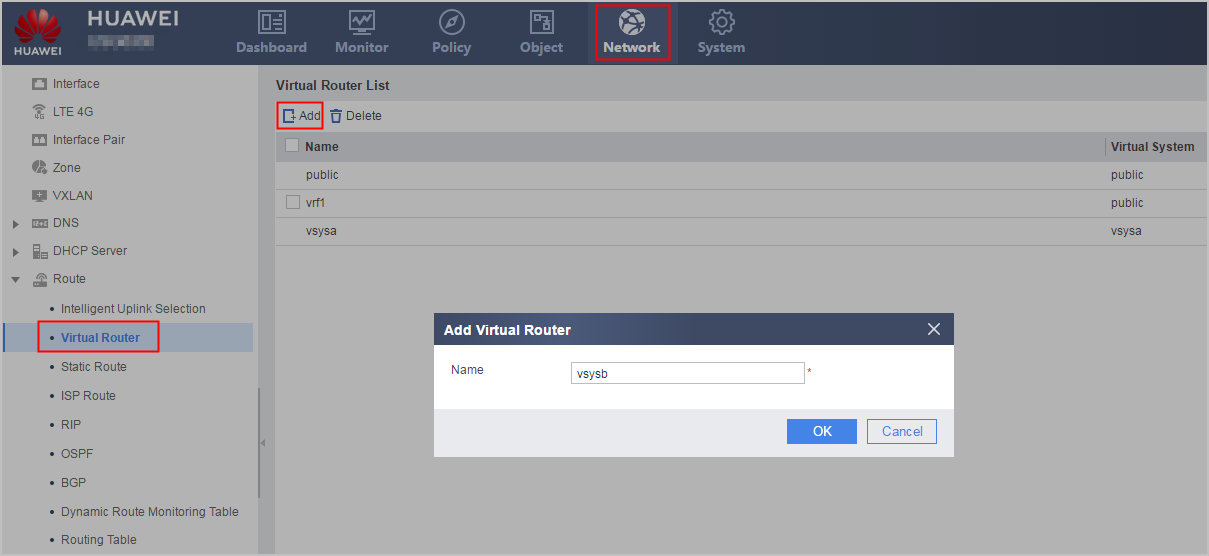
- Click OK.
If the new virtual router entry is displayed, the operation succeeds.