Monitoring OSPF and BGP
The OSPF and BGP route monitoring tables provide visibility into route details.
Monitoring the Status of OSPFv2 Routes
- Choose .
- View details on OSPFv2 routes on the OSPFv2 Routing Monitor List page.
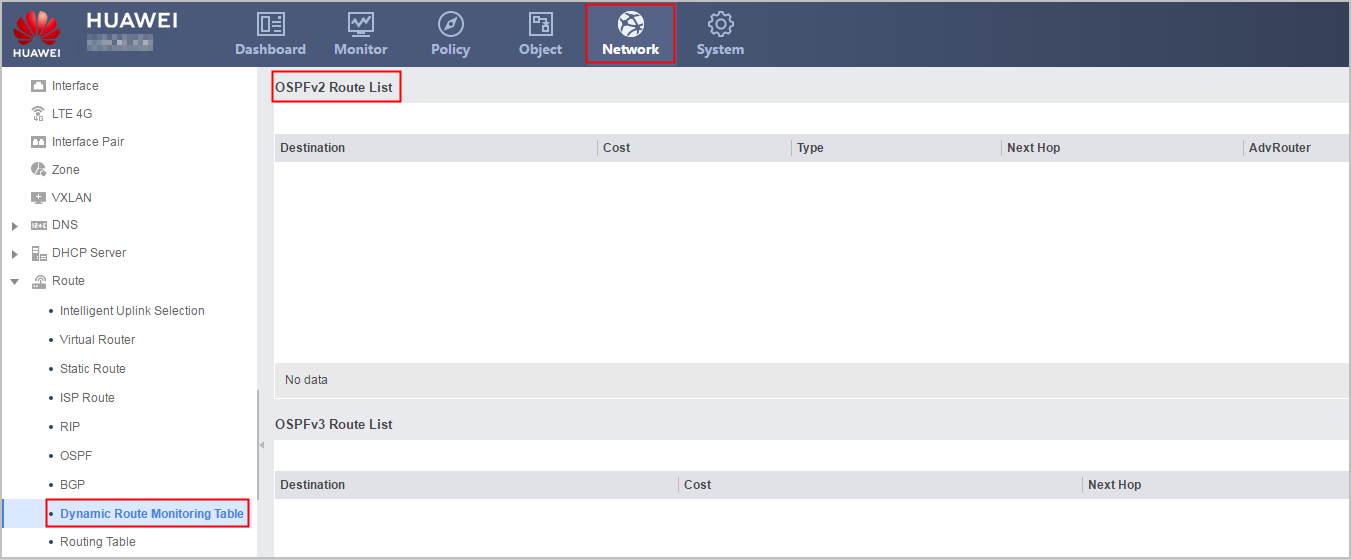
Parameter
Description
Destination
Indicates the destination network of an OSPFv2 route.
Cost
Indicates the cost of a route reaching the destination.
Type
The value can be Stub, Rtr, Net, SNet, ASB, ASE, GM, or NSSA.
NextHop
Indicates the next-hop IP address.
AdvRouter
Indicates the routing device of the route.
Area
Indicates the area to which the route belongs.
Details
Indicates the details about OSPFv2 routes.
- Click
 of "Precess ID: ID Route ID: ID" to view details of the OSPF routing table.
Parameter
Description
Process ID
Indicates the OSPFv2 process ID of the route.
Router ID
Indicates the router ID of the routing table.
Total Nets
Indicates the number of routes in the OSPFv2 process.
Intra Area
Indicates the number of intra-area routes in the OSPFv2 process.
Inter Area
Indicates the number of inter-area routes in the OSPFv2 process.
ASE
Indicates the number of ASE routes introduced to the OSPFv2 process.
NSSA
Indicates the number of NSSA routes in the OSPFv2 process.
Monitoring the Status of OSPFv3 Routes
- Choose .
- In OSPFv3 Routing Monitor List, check the details about OSPFv3 routes.
Parameter
Description
Destination
Indicates the destination network of an OSPFv3 route.
Cost
Indicates the cost of the route to the destination address.
NextHop
Indicates the next hop pointing to the destination address.
Interface
Indicates the outbound interface of the packet.
Monitoring the Status of BGP Routes
- Choose .
- View details on BGP routes on the BGP Routing Monitor List page.
Parameter
Description
Status
Indicates the BGP route status, such as valid and optimal.
Network
Indicates the network of a BGP route.
NextHop
Indicates the next-hop IP address.
MED
Indicates the MED value carried by the BGP route.
LocPrf
Indicates the local priority of a BGP route.
PrefVal
Indicates the preferred value of the route learned from the peer.
Path/Ogn
Path indicates the AS number passed by the route.
Origin indicates the source attribute of the route, including the following types:
- IGP: has the highest priority. Routing information is obtained through IGP in the initiating AS. For example, a route is injected to the BGP routing table by the network command.
- EGP: has the higher priority. Routing information is obtained through EGP.
- incomplete: has the lowest priority. Routing information is obtained in other methods. For example, BGP imports routes through the import-route command.