Verification and Check
This section describes the verification and check operations after applications and application groups are configured.
After configuring applications and application groups, you can do as follows to check the configuration result:
Check predefined applications.
Choose and specify filtering conditions or enter an application name or a software name to search for a predefined application. Click
 of the application to view details.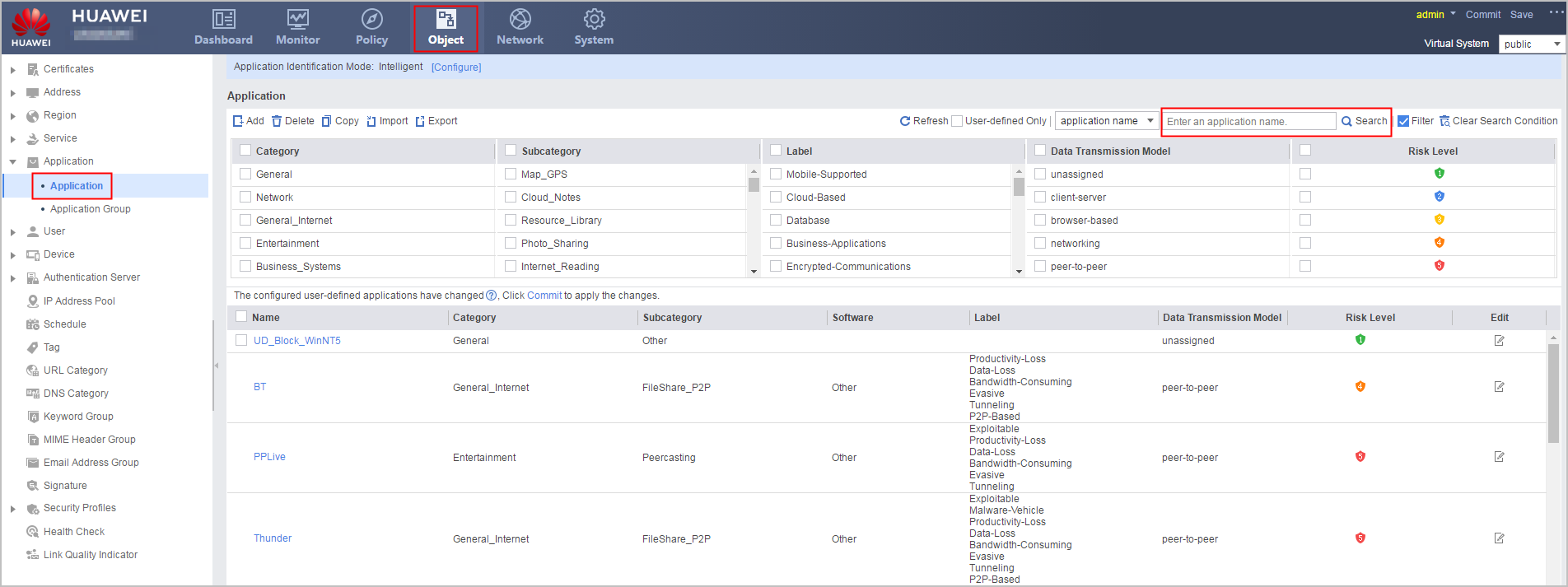
Check user-defined applications.
Choose and specify filtering conditions or enter an application name or a software name to search for a user-defined application. Click
of the application to view details.-
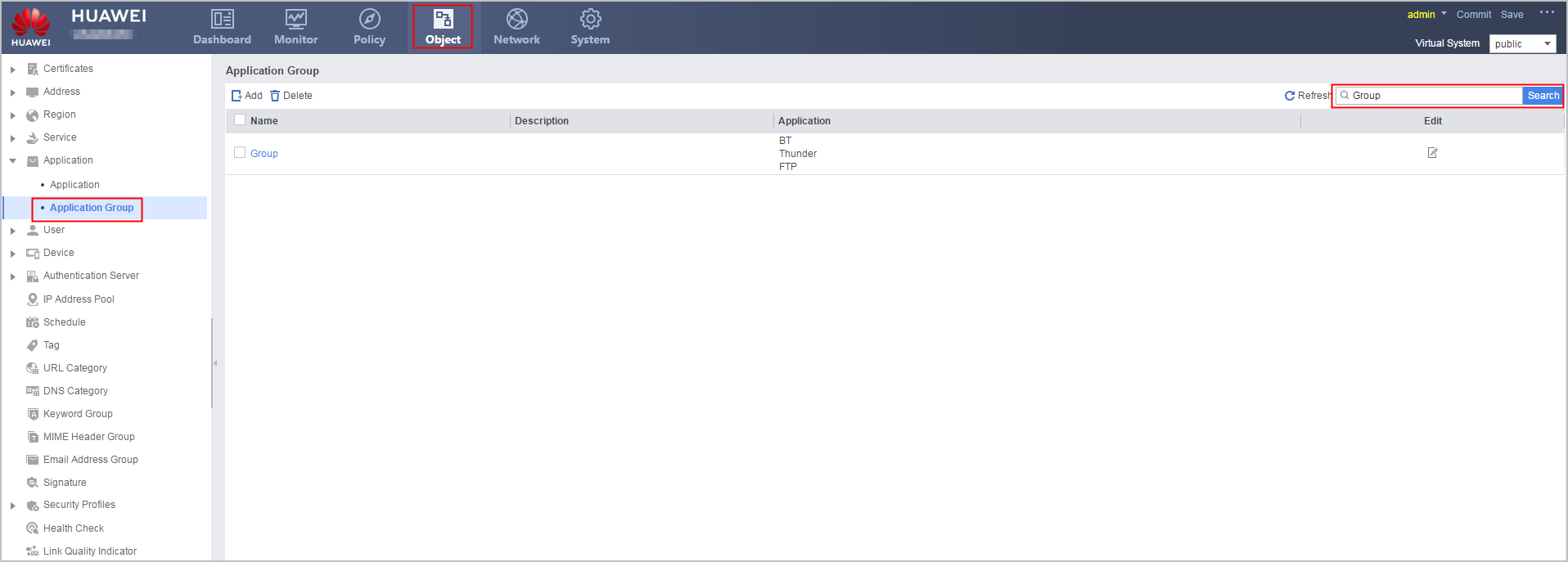
Choose and click an application group name to check whether the predefined or user-defined applications in the group are correct.