Using Bandwidth Management to Prevent Slow HTTP Attacks
Overview
A TCP full connection is established between the attacker and the attacked, thus consuming the resource of the attacked. No subsequent packets, however, arrive.
Using the valid HTTP mechanism, attackers establish connections to the web server of the FW and keep the connections alive for a long time. The increasing of such connections exhausts resources on the FW and even causes the FW to go down.
Common slow HTTP attacks are as follows:
- Slow POST: An attacker sends POST packets with the packet length field being set to a large value. However, subsequent packets are small. The web server keeps waiting for the attacker to complete packet sending.
- Slow headers: An attacker initiates a connection to the web server using GET or POST packets, whose headers contain no terminator. Then the attacker sends other fields to keep the connection alive. The server keeps waiting for a terminator.
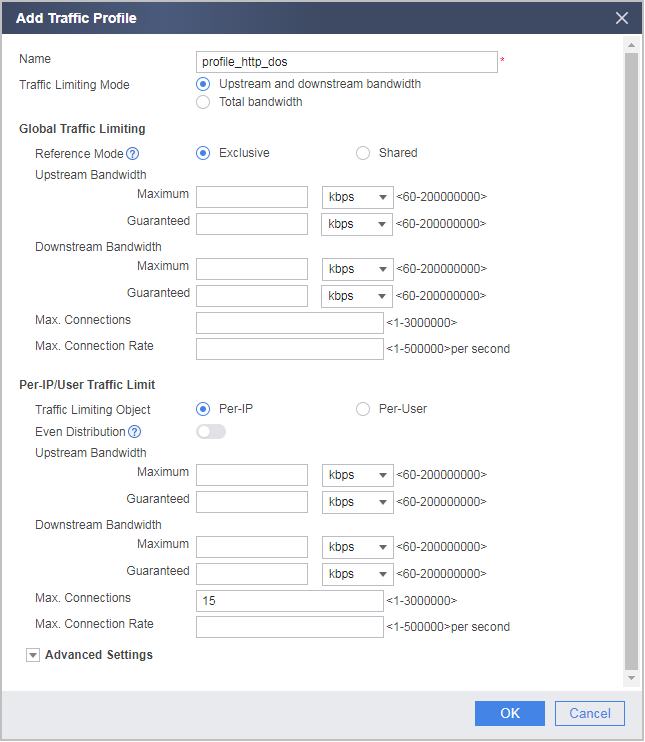
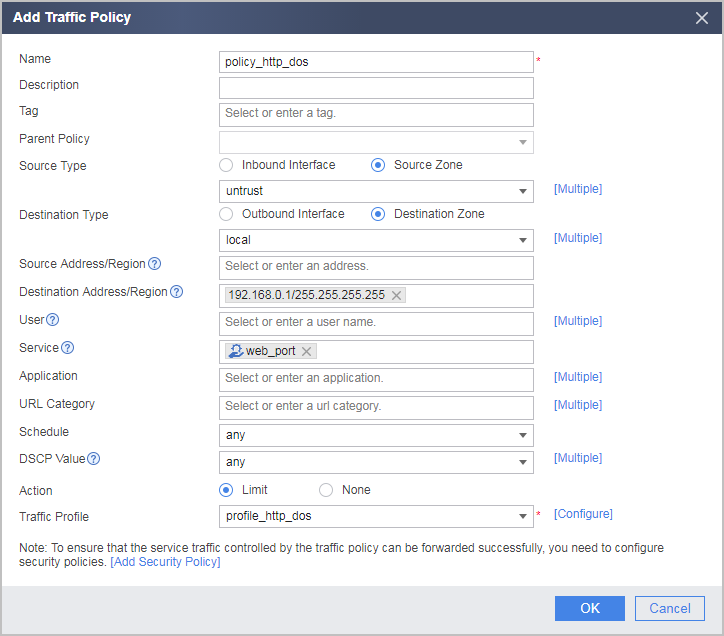
As TCP full connection and slow HTTP attacks have previous characteristics, you can limit the number of connections of a single client on the FW to reduce the workload of the web server.
Impact on the System
None