Monitoring
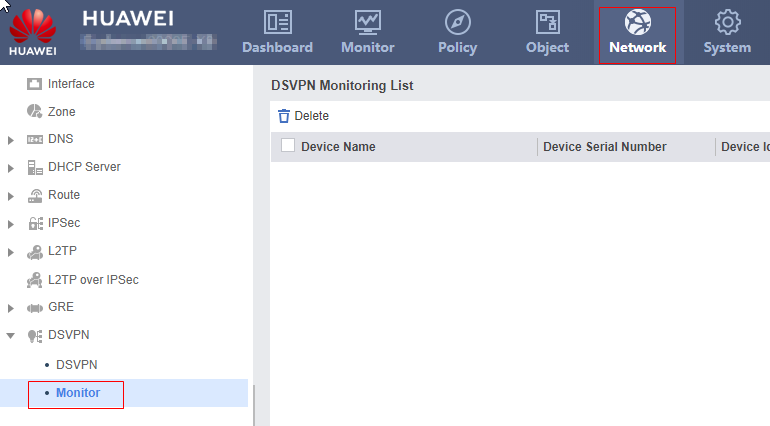
This section describes how to view information about the mGRE tunnels established on the device.
- Choose .
Click Refresh. You can view the following information about established mGRE tunnels.
Parameter
Description
Device Name
Name of a device. If a name is configured for a device, the name is displayed here. If a name is not configured for a device, the IP addresses of the mGRE tunnel interfaces of the device is displayed.
Device Serial Number
Serial number that uniquely identifies a device on the network.
Device Identity
Identity of a device on the DSVPN network. The value can be a branch (Spoke), headquarters (Hub), or cascade headquarters (Hub).
Private IP Address
IP address of the mGRE tunnel interface.
Public Interface/Public IP Address
WAN interface or public IP address of the mGRE tunnel.
Connection Status
Connection status of a tunnel.
Last Connection Time
Latest time an mGRE tunnel is established.
Last Disconnect Time
Latest time an mGRE tunnel is disconnected.
Disconnect Cause
Tunnel disconnection cause.