Viewing Session Log Statistics
This section describes how to view statistics on session logs sent to a log server on the web UI.
Viewing Session Log Statistics Through the Web UI
You can view the total number of packets sent from the FW to log servers or the number of packets sent to each log server. By analyzing the number of sessions and session logs, you can determine whether the FW properly sends logs to log servers.
- Choose to view the number of sent and discarded packets from the FW to each log server or all log servers.
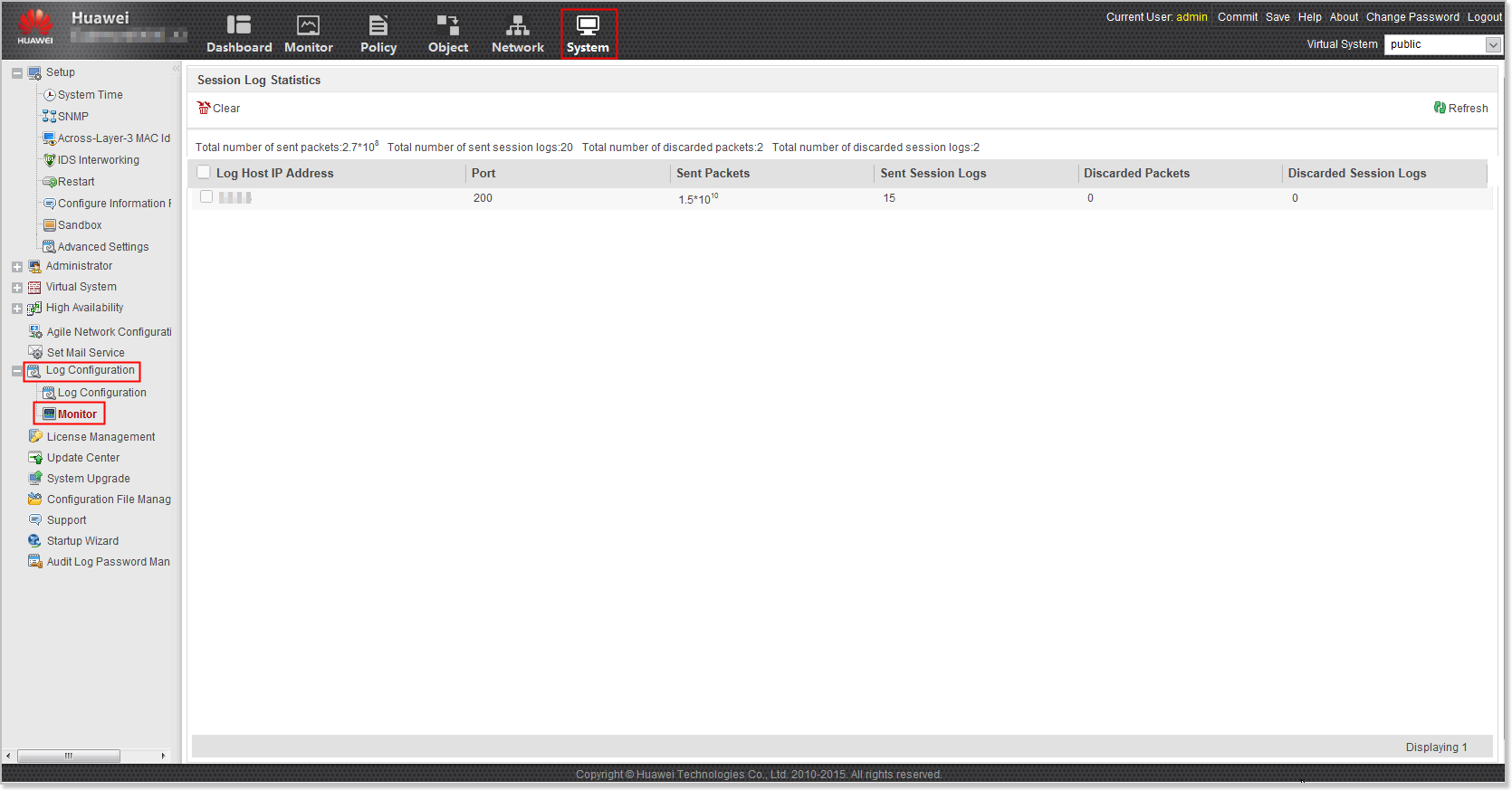

When two groups of log hosts are configured using the CLI for disaster recovery and backup, Sent Packets, Sent Session Logs, Discarded Packets, and Discarded Session Logs include the packets and logs sent to log hosts in the first log host group, not including the packets or logs sent to log hosts in the second log host group. Total Packets Sent, Total Session Logs Sent, Total Packets Discarded, and Total Session Logs Discarded include the packets and logs sent to log hosts in first and second log host groups.
Both the root system and virtual systems support the query of session log statistics. To view session log statistics of a virtual system, switch to the corresponding page of the virtual system.
- To clear statistics on a specific log server, select the log server IP address and click Clear.
Viewing Session Log Statistics Through the CLI
Run the display firewall log statistic command to view session log statistics.