Viewing Traffic Reports in the Interface Dimension
This topic describes how to view traffic reports in the Interface dimension.
Viewing Reports
You can view the trend of traffic sent from or received by an Interface in the traffic report in the Interface dimension.
To view the traffic report in the Interface dimension, click the Interface tab.
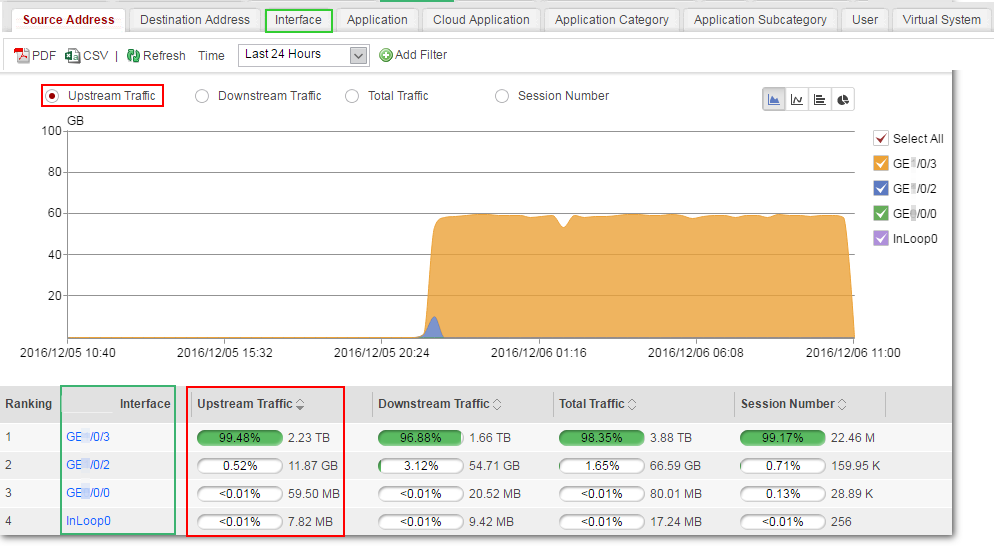

The traffic report in the Interface dimension does not support advanced search.
Drilling Out Traffic Data in Application Dimension
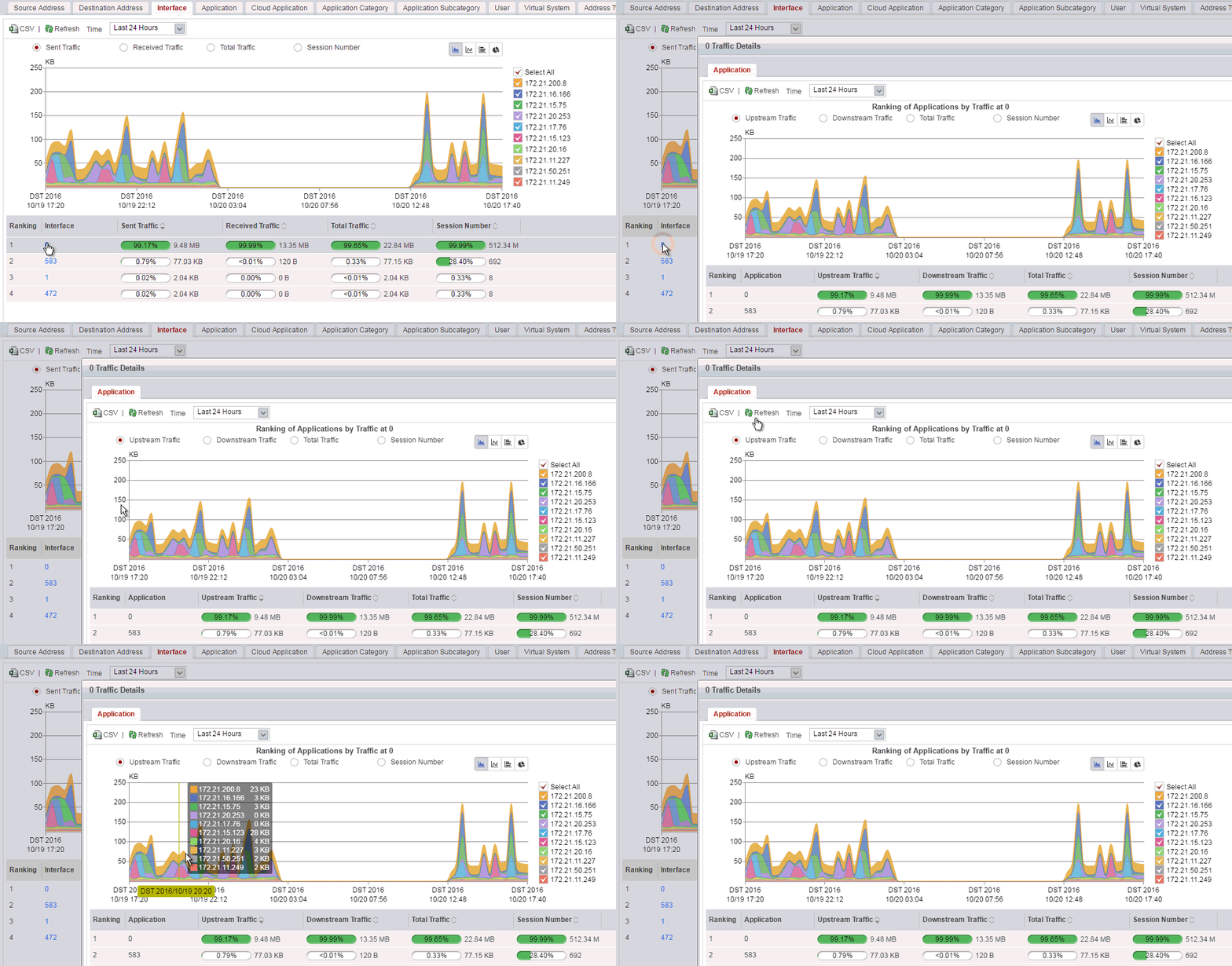
Only the USG6000E (not including USG6510E/6510E-POE/6530E) support this function.Interface-based traffic reports support drill-out of applications from traffic data. After you click the hyperlink of a piece of data, the application traffic situation of the data is displayed.
For example, if you find that an interface has heavy traffic, you can do as follows to view the application traffic trend on the interface.